🗑️ Delete Module(s)
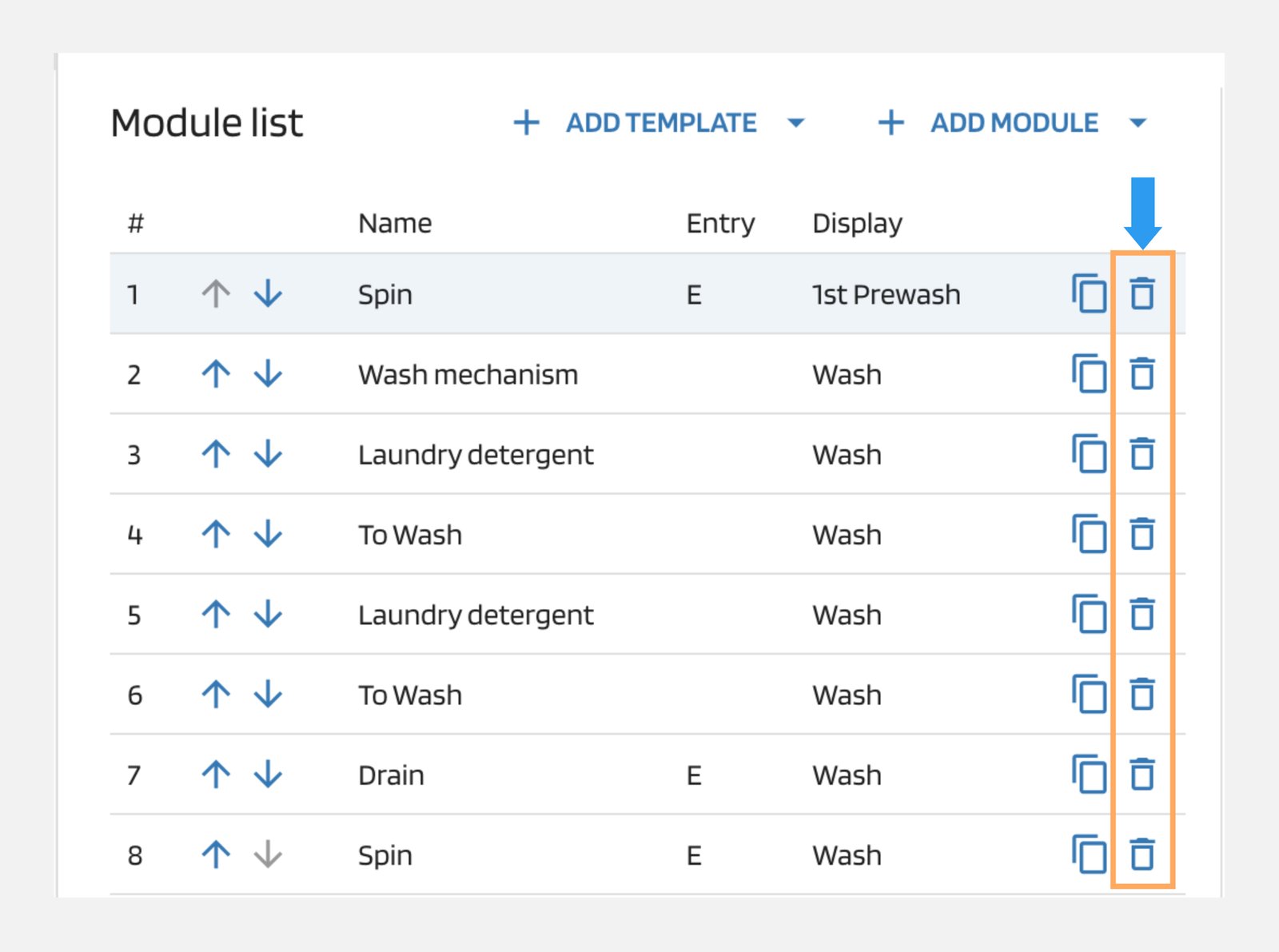
Under the "Modules" tab, you can delete the selected module by clicking on the 🗑️ delete icon.
Note
To delete the module(s) in the modules list, make sure to enable the edit mode.
Under the "Modules" tab, you can delete the selected module by clicking on the 🗑️ delete icon.
Note
To delete the module(s) in the modules list, make sure to enable the edit mode.